

Large Print and Accessible Prescription Labels for Low Vision: What You Need to Know
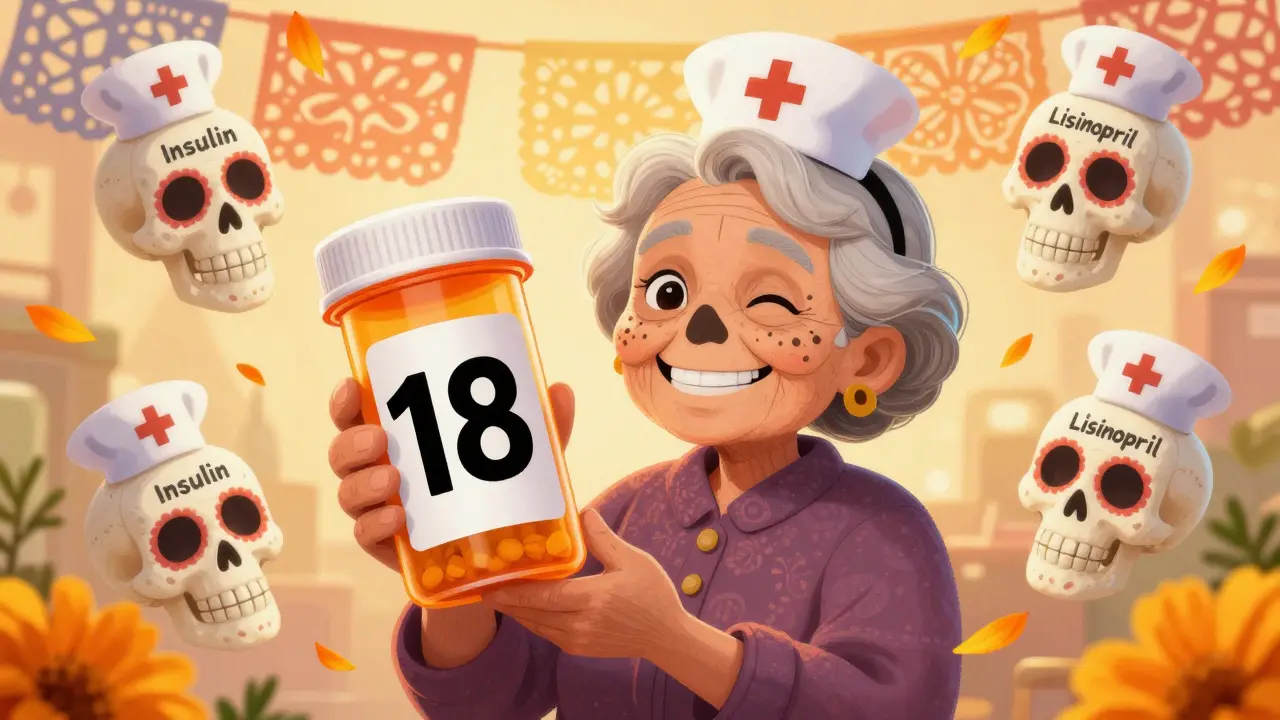
Reading a prescription label shouldn’t be a challenge. But for millions of people with low vision, it’s a daily struggle. Standard pharmacy labels use tiny text, cramped spacing, and poor contrast. For someone with macular degeneration, glaucoma, or diabetic retinopathy, that means guessing what’s in the bottle - and that’s dangerous. Taking the wrong pill, at the wrong time, or the wrong dose isn’t just a mistake. It can land you in the hospital. The good news? Solutions exist. And they’re more common than you think.
Why Standard Prescription Labels Don’t Work for Low Vision
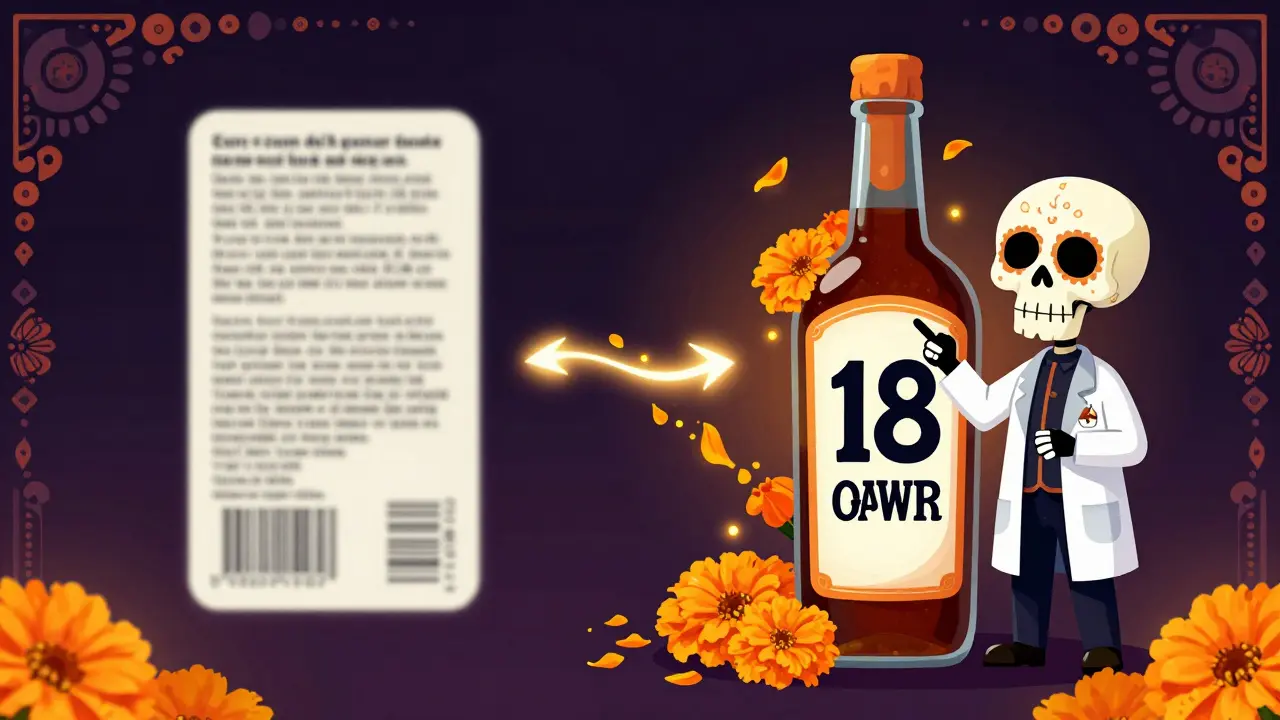
Most prescription labels are printed in 8- to 10-point font. That’s the size of fine print on a credit card agreement. For someone with low vision, that’s unreadable. Studies show that most people with moderate visual impairment can’t read anything smaller than 14-point font. And even 14-point isn’t enough for consistent safety. The American Foundation for the Blind recommends a minimum of 18-point font for reliable readability. That’s nearly twice the size of what you’ll find on most labels.
It’s not just about size. Contrast matters. A dark gray on off-white background? Too hard to distinguish. The best labels use saturated black text on a pure white background, with no glare. Fonts matter too. Serif fonts like Times New Roman have tiny hooks and lines that blur at small sizes. Sans-serif fonts like Arial, Verdana, or APHont™ - a font designed specifically for low vision - are clearer and easier to track line by line.
And layout? Left-aligned text, consistent spacing, and using lowercase letters with uppercase numbers (like “take 2 TABLETS daily”) help the brain process information faster. Yellow highlighting on critical instructions - like “take with food” or “do not crush” - makes warnings pop without needing magnifiers.
The Legal Backing: It’s Not Optional
In 2012, the U.S. Congress passed the FDA Safety and Innovation Act. One part of it? It required prescription labels to be accessible to people who are blind or have low vision. This wasn’t a suggestion. It was a legal mandate. Pharmacies can’t ignore it. The Access Board - a federal agency that sets accessibility standards - followed up with detailed guidelines in 2014. They said: clear font, high contrast, enough space, and options beyond just big print.
And it’s not just federal law. The Department of Justice has ruled that failing to provide accessible labels violates the Americans with Disabilities Act (ADA). In 2022 alone, there were 17 formal complaints and 3 settlements totaling $450,000 because pharmacies didn’t offer readable labels. That’s not a footnote. It’s a warning.
What Accessible Label Options Exist?
There are three main types of accessible prescription labels, each with pros and cons.
- Large Print Labels (18-24 point): These are the most common. They use the same physical label but with bigger text. Some pharmacies print a second, larger label that sticks over the original. Others use custom-sized labels that fit the bottle. The key? Font size must be at least 18-point, with high contrast and clean layout. No fancy tech needed. Just clear text.
- Braille Labels: These are tactile. Raised dots let blind users read the label by touch. But here’s the catch: only about 10% of people with low vision read Braille. That means it’s useful for a small group, not a universal solution. Also, Braille takes up more space, so it’s often paired with large print.
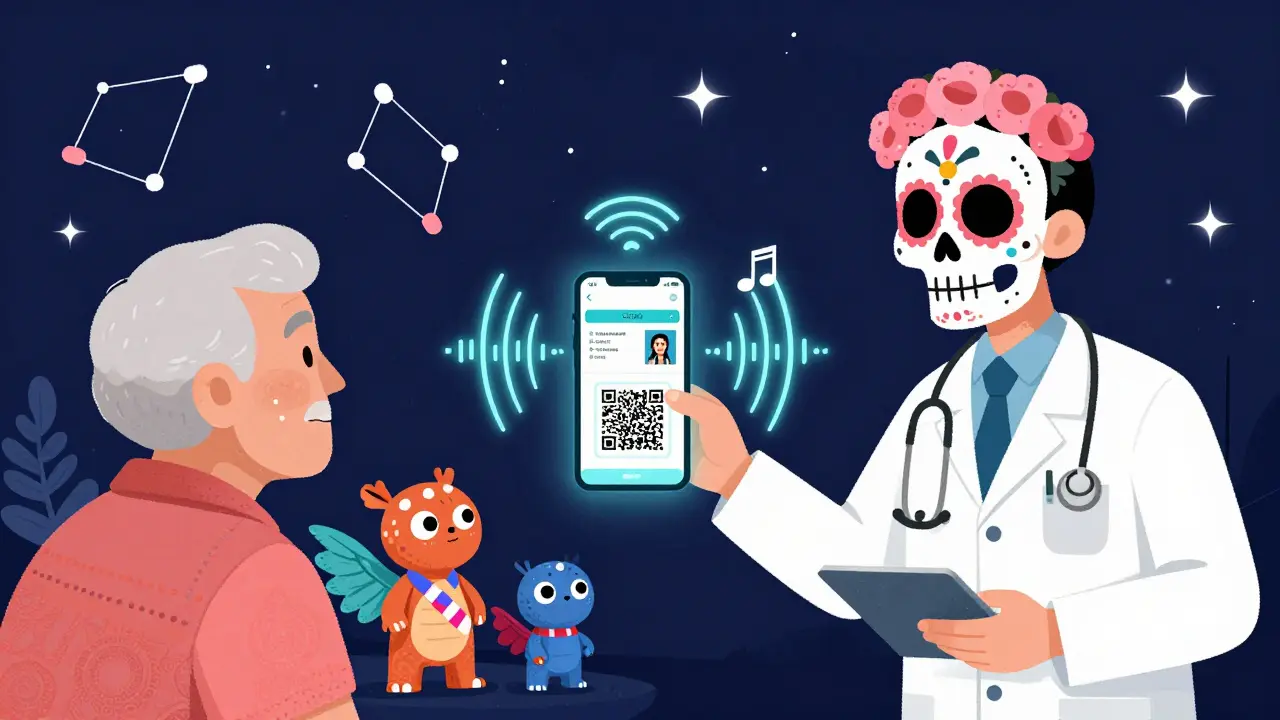
- Audible Labels (ScripTalk and similar): These use RFID chips embedded in the label. You hold a small reader - or your smartphone - near the bottle, and it speaks the medication name, dosage, instructions, and expiration date aloud. It’s accurate, detailed, and doesn’t rely on vision. But you need the device. And you need to know how to use it. That’s a barrier for some older adults or those unfamiliar with tech.
- QR Code + App Labels (like ScriptView): Scan the code with your phone, and it plays an audio recording of the label info. Some systems even let you customize the voice speed or language. This is growing fast, especially in hospital pharmacies. It’s free, works with any smartphone, and doesn’t require extra hardware.
Here’s how they compare:
| Label Type | Requires Tech? | Best For | Limitations |
|---|---|---|---|
| Large Print (18-24 pt) | No | People with low vision who can still see | Space limits on small bottles |
| Braille | No | Blind individuals who read Braille | Only useful for ~10% of users |
| ScripTalk (RFID Audio) | Yes (reader or app) | People who want full audio details | Device cost, learning curve |
| QR Code + App | Yes (smartphone) | Anyone with a phone, especially seniors | Needs internet, app setup |
Real People, Real Results
Don’t just take our word for it. People are using these labels and their lives are changing.
A 78-year-old diabetic in Kentucky switched to a QR code label system that read her insulin dosage aloud. Within three months, her hypoglycemic episodes dropped by 75%. A woman in Ohio, who had been mixing up her blood pressure pills, stopped taking the wrong ones after her pharmacy started offering 18-point Arial labels. She told her pharmacist: “I haven’t felt this safe in years.”
On Reddit’s r/Blind community, one user wrote: “Since my pharmacy started offering large print labels (18pt Arial), I’ve stopped taking the wrong pills twice a week like I was doing before - it’s literally life-changing.”
Surveys show 82% of visually impaired users report better medication adherence after switching to accessible labels. And 67% say they’ve had at least one medication error before - errors that could’ve been fatal.
How to Get Accessible Labels
You don’t need a special permit. You don’t need to file paperwork. All you need is to ask.
Major pharmacy chains like CVS, Walgreens, and Walmart all offer at least one type of accessible label - and usually multiple options. UK HealthCare’s ScriptAbility service provides large print, Braille, and audio labels for free. CVS now has ScripTalk in over 9,000 locations and plans to roll it out everywhere by late 2024. Walgreens and Walmart offer similar services.
Here’s how to get started:
- Call your pharmacy ahead of time. Ask: “Do you offer large print, Braille, or audio prescription labels?”
- If they say yes, request your preferred format. Say: “I need 18-point font with high contrast.”
- If they say no or seem confused, ask to speak to the pharmacist. Mention the FDA Safety and Innovation Act. Most pharmacists know about it now.
- If you’re in a small independent pharmacy, ask if they can order a duplicate large print label. Many can - it just takes a few minutes.
- For audio labels, ask if they use ScripTalk or QR code systems. If not, ask if they’ll partner with a service like Be My Eyes - which lets volunteers read your label live via video call.
Pro tip: Don’t wait until you’re confused. Ask when you first fill a new prescription. That way, the label is printed right from the start.
What If Your Pharmacy Doesn’t Offer It?
Some pharmacies - especially small, independent ones - still don’t have systems in place. They might say it’s too expensive. But here’s the truth: the cost is manageable. Setting up large print labeling costs between $500 and $2,000 per location. That’s less than one employee’s monthly paycheck. And the American Pharmacists Association says 100% of U.S. pharmacies will offer basic large print labels by 2026. It’s coming - whether they’re ready or not.
If your pharmacy doesn’t offer it, ask for a manager. Ask them to check the FDA guidelines. Ask if they can order a duplicate large print label from their supplier. Most suppliers now include large print label stock as standard. If they refuse, file a complaint with the National Federation of the Blind. They track non-compliance and help push change.
What’s Next? The Future of Prescription Labels
The future is digital. By 2026, the FDA plans to require accessible labels on electronic prescriptions and patient portals. That means if you log into your pharmacy app, you’ll be able to toggle between large print, audio, or translated versions - all from your phone.
AI is stepping in too. Be My Eyes, a free app that connects visually impaired users with sighted volunteers, now has a pharmacy module. You hold your phone up to the label, and a volunteer reads it aloud in real time. In 2023 alone, they processed over 1.2 million label readings.
And it’s not just about reading. Future systems will let you record your own voice instructions, set refill reminders, or even scan a label to auto-fill a medication log.
Change isn’t slow anymore. It’s accelerating. And for people with low vision, that means more safety, more independence, and more control.
Can I get large print prescription labels for free?
Yes. All major pharmacy chains - CVS, Walgreens, Walmart, and UK HealthCare - offer large print, Braille, and audio labels at no extra cost. This is part of their standard service, not an add-on. You don’t pay more, and you don’t need insurance.
Is 18-point font really necessary?
Yes. Research from the National Center for Biotechnology Information found that most people with low vision can’t read text smaller than 14-point. But 14-point still causes errors. The American Foundation for the Blind recommends 18-point as the minimum for reliable safety. In studies, users read 18-point labels 8 seconds faster than standard labels - and made far fewer mistakes.
Do I need a smartphone to use audio labels?
Not always. ScripTalk uses a small handheld reader that you can keep at home. But QR code systems - like ScriptView - require a smartphone and app. If you don’t have a phone, ask your pharmacy for large print or Braille instead. They’re required to offer at least one option that doesn’t need tech.
Can I request a label in another language?
Yes. Many pharmacies now offer translated labels in Spanish, Mandarin, Vietnamese, and other languages - especially in areas with diverse populations. Ask when you pick up your prescription. Some systems even let you choose both language and format (like large print in Spanish).
What if my pharmacist says they don’t have the option?
Politely ask to speak to the pharmacist in charge. Mention the FDA Safety and Innovation Act of 2012. Most pharmacists now know the rules. If they still say no, ask if they can order a duplicate large print label. If they refuse, contact the National Federation of the Blind or file a complaint with your state pharmacy board. Non-compliance is a violation of the ADA.


Let’s be real - this isn’t about accessibility. It’s about corporate compliance masquerading as compassion. Pharmacies have been ignoring ADA mandates for decades, and suddenly now they’re ‘rolling out’ solutions? Please. The real win is when Big Pharma stops pricing insulin at $300 a vial while giving out 18-point labels like they’re free candy. This is performative allyship with a side of profit margin. You think a diabetic in rural India gives a damn about ScripTalk when they’re choosing between meds and rice? This whole system is rigged.
And don’t get me started on QR codes. ‘Just use your smartphone!’ - as if millions of elderly Americans don’t still use flip phones because the tech industry abandoned them. Accessibility isn’t a feature. It’s a human right. Stop turning it into a marketing campaign.
Also - why is no one talking about the fact that most pharmacies still print labels on glossy paper that reflects light like a damn mirror? You can have 24-point font but if the glare makes it look like a Rorschach test, you’re just torturing people with macular degeneration. Fix the damn substrate first. Font size is the bare minimum.
I’ve been fighting this since 2015. Every time I call my pharmacy, they say ‘We don’t have that option.’ Then I quote the FDA Act. Then they hang up. Then I file a complaint. Then nothing changes. This isn’t progress. It’s theater. And I’m tired of being the audience.
The technical specifications outlined in this post are accurate and well-documented. The recommendation of 18-point font is supported by empirical studies from the National Eye Institute and the American Foundation for the Blind, both of which cite a logarithmic decline in reading accuracy below this threshold. The use of sans-serif typefaces such as Verdana and APHont™ reduces cognitive load by eliminating serifs that introduce visual noise - a phenomenon well-documented in typography research since the 1990s.
Contrast ratios should meet WCAG 2.1 AA standards: a minimum of 7:1 between text and background. Off-white backgrounds typically yield ratios below 4.5:1, which is insufficient for users with low vision. Black-on-white is optimal, but some studies suggest deep navy on cream may reduce photophobia in certain conditions - though this is not universally applicable.
Regarding Braille: while only 10% of low-vision individuals are Braille-literate, the integration of Braille alongside large print increases overall usability for those with dual sensory impairments (e.g., tactile and visual). The claim that Braille is ‘useless’ is misleading - it serves a critical subset, not a majority.
QR code systems require robust infrastructure: internet connectivity, app stability, and user literacy. In rural America, 30% of seniors lack smartphone access. Large print remains the most universally deployable solution. The future lies in hybrid models - not replacement.
Just ask. It’s that simple.
CVS has had large print and audio labels for years. No extra cost. No paperwork. Just say the words.
Thank you for this comprehensive and deeply necessary overview. This is not merely a convenience - it is a fundamental matter of health equity, dignity, and autonomy. Every individual deserves the right to independently manage their own medication without fear, confusion, or reliance on others.
The data presented here - from the 82% improvement in adherence to the $450,000 in settlements - underscores a moral imperative, not a bureaucratic checkbox. Pharmacies are not service providers; they are guardians of public health.
To those who say, ‘I didn’t know this was required’ - ignorance is not an excuse. The law is clear. The technology is accessible. The cost is minimal. The stakes are life or death.
If you are reading this and you or someone you love lives with low vision: do not hesitate. Call your pharmacy today. Request your preferred format. If met with resistance, escalate. File a complaint. Share this information. Change is only possible when we refuse to accept the status quo.
With profound respect for every individual fighting to read their own label - you are not alone.
Been using large print labels since 2020. 18-point Arial. No glare. No drama. Just works.
My pharmacy in Hyderabad started doing it after I asked twice. Took them 3 weeks. Now they do it for everyone.
QR code is cool but I don’t trust my phone battery. Old school still wins.
This is one of those rare posts that actually makes me feel hopeful.
People like you who take the time to explain the details - the font sizes, the contrast ratios, the legal backing - don’t just inform. You empower.
Imagine a world where every prescription bottle tells you exactly what you need to know, without having to beg, plead, or fight. That world is here. You just have to ask.
And if you’re a pharmacist reading this - thank you. You’re doing the work that saves lives.
Isn’t it funny how we treat medication like a puzzle to be solved, rather than a lifeline to be honored?
We’ve built entire economies around making things ‘efficient’ - streamlined, optimized, automated - yet we still expect people with failing eyesight to squint at ink the size of a mosquito’s eyelash?
Accessibility isn’t about technology. It’s about humility. It’s about asking: What if this was me? What if I couldn’t read the name of the thing that keeps me alive?
And then - actually doing something about it.
Not because the law says so.
Because we’re human.
Two years ago I had a patient who was mixing up her heart meds because the label was too small. She’d been taking the wrong pill for 11 months. No one noticed. She didn’t say anything - didn’t want to be a bother.
After we switched her to large print (18pt Verdana, black on white), she cried. Said she hadn’t slept that well in years because she stopped worrying about making a mistake.
It’s not about font size. It’s about peace of mind.
Let’s not pretend this is about safety. This is about liability.
The FDA didn’t mandate large print because they care about the elderly. They did it because lawsuits were piling up. $450,000 settlements? That’s a cost-benefit analysis, not a moral awakening.
And don’t get me started on QR codes. You’re telling me a 75-year-old with shaky hands and no Wi-Fi at home should scan a code to hear what’s in their bottle? That’s not accessibility. That’s digital exclusion dressed up as innovation.
Real solution? Train pharmacists to verbally confirm dosages. No tech. No labels. Just human communication. Simple. Effective. Free.
Here’s the uncomfortable truth no one wants to say: this entire system is designed to fail people with low vision.
Large print? Great - until the label doesn’t fit on a 20ml bottle. Braille? Only for the 10% who read it - the rest are invisible. Audio? Requires tech literacy - which means excluding the very people who need it most.
And now we’re pushing QR codes? ‘Just use your smartphone!’ - as if poverty, age, and digital illiteracy don’t exist.
This isn’t progress. It’s a series of band-aids on a hemorrhage.
What if the solution wasn’t ‘better labels’ but ‘no labels at all’? What if the prescription was delivered to your phone, voice-read by AI, and confirmed by a pharmacist over video? No printing. No confusion. No guessing.
But that would require actually rethinking the system. And no one wants to do that. Too expensive. Too radical.
So we give people 18-point font and call it justice.
It’s not. It’s a performance.
As a pharmacist with 18 years of experience, I can confirm: large print labels are standard at every chain pharmacy in the U.S. and are provided at no cost. The technology exists. The policy is clear. The training is in place.
What we lack is patient awareness. Many individuals do not know they have the right to request an accessible label - and assume that if it’s not offered proactively, it’s not available.
My recommendation: always ask. Always specify. Always follow up.
And if you’re a pharmacy technician reading this: if a patient asks for large print, do not hesitate. Do not question. Do not delay. This is not a special request. It is a standard service.
Thank you to the author for this accurate, vital resource.